Themes
Change renCal’s theme from the settings, or press CtrlShiftT to cycle through them.
| Theme: Gruvbox | Theme: Catpuccin Light | Theme: Hackerman |
|---|---|---|
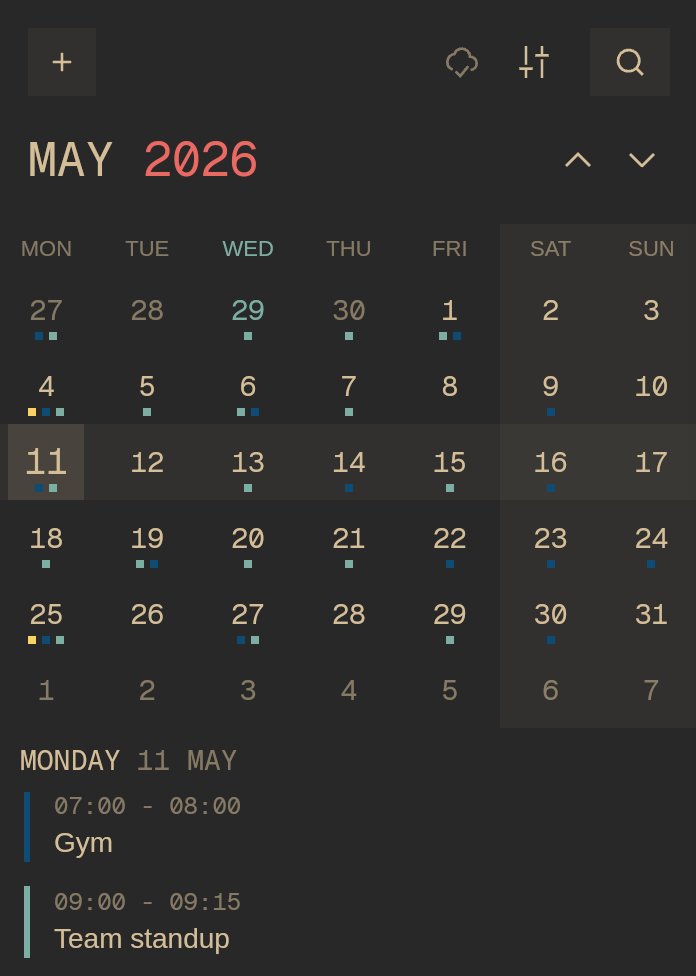 | 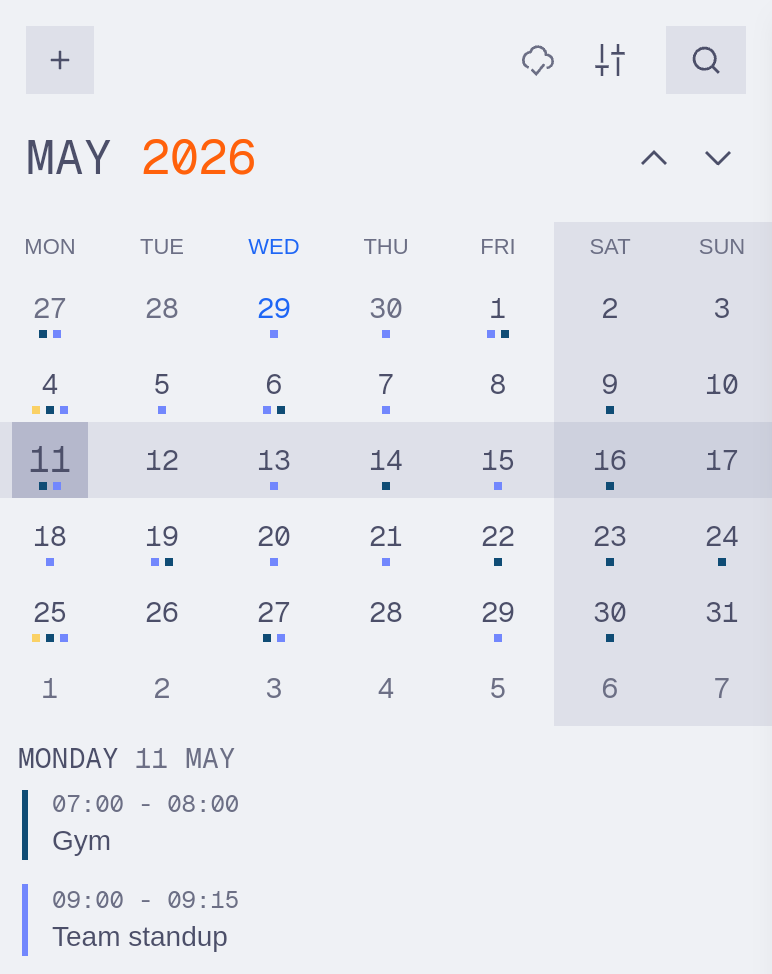 | 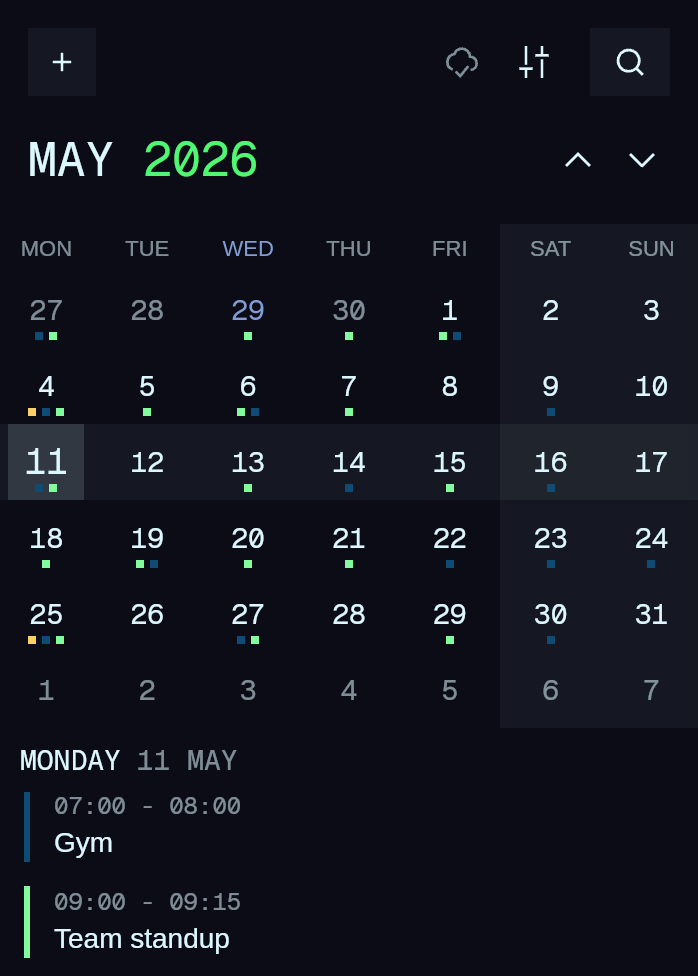 |
By default, renCal syncs with your system. To use the same theme all the time, set Theme mode to Single theme. In ~/.config/rencal/config.toml it looks like this:
[theme]mode = "single" # system | singlesingle = "ren"On Omarchy, syncing with your system uses the “Omarchy” theme instead, which updates automatically when you change your Omarchy theme:
Add your own theme
Section titled “Add your own theme”Design a theme in the theme builder, then save the exported CSS to ~/.config/rencal/themes/. renCal picks up new files and edits automatically.
You can also write one by hand. Most themes only need four colors, and renCal derives the rest:
/* @name My Theme *//* @appearance dark */--background: #0f0f0f;--foreground: #eaeaea;--primary: #7c3aed;--surface-tint: #ffffff;To share your theme, package it as a theme plugin.